How thickness affects aluminum composite panels?
Aluminum Composite Panels (ACP) are widely used in modern architecture, interior design, and construction due to their versatility, lightweight properties, and aesthetic appeal. These panels consist of two thin layers of aluminum bonded to a non-aluminum core, which can be made of polyethylene or fire-resistant materials.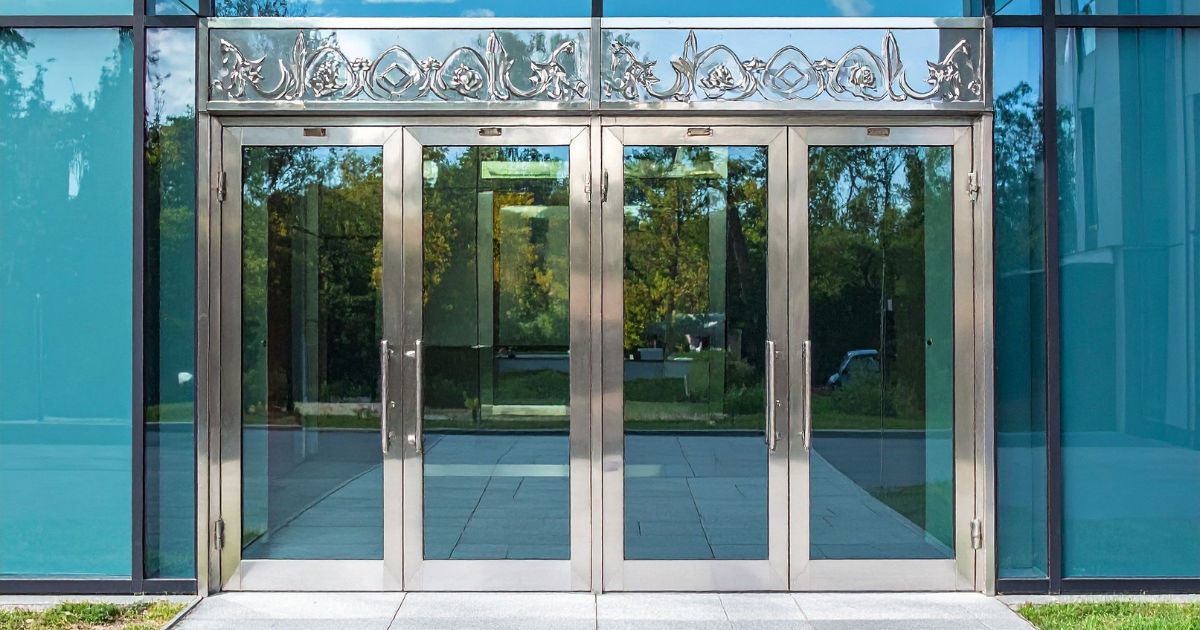
One of the most important aspects of Aluminum Composite Panels is their thickness, which plays a crucial role in determining their performance, durability, and overall application.
In this guide, we will explore how thickness affects Aluminum Composite Panels, their advantages, disadvantages, applications, and factors to consider when choosing the right panel thickness.
What Are Aluminum Composite Panels?
Before delving into thickness, it is essential to understand what Aluminum Composite Panels are. ACPs are flat panels that consist of:
-
Aluminum Layers: These are the outer surfaces, typically ranging from 0.2 mm to 0.5 mm in thickness. They provide structural strength, protection against weather, and a smooth finish.
-
Core Material: The inner layer, which can be polyethylene, mineral-filled fire-resistant material, or a combination. The core contributes to the panel’s rigidity, insulation, and weight.
-
Coating: ACPs are often coated with PVDF (polyvinylidene fluoride) or polyester to enhance durability, color retention, and resistance to UV rays.
Aluminum Composite Panels are popular in both exterior and interior applications, including building facades, cladding, signage, partition walls, and decorative elements.
Why Thickness Matters in Aluminum Composite Panels
The thickness of Aluminum Composite Panels significantly influences their mechanical, thermal, and acoustic properties. Even a slight variation in thickness can alter the panel's behavior under stress, its durability, and the type of application it is suitable for.
1. Structural Strength
Thicker ACPs generally provide better structural strength. They are more resistant to bending, warping, and deformation, making them suitable for larger panels or areas exposed to high wind loads. Thinner panels, while lighter and easier to handle, may require additional framing or support to prevent sagging over time.
2. Durability and Longevity
Panel thickness directly affects the durability of Aluminum Composite Panels. Thicker panels tend to withstand environmental stresses such as rain, sunlight, and temperature fluctuations better than thinner panels. This results in a longer lifespan, reduced maintenance, and better return on investment.
3. Weight Considerations
One of the advantages of Aluminum Composite Panels is their lightweight nature. However, increasing the thickness of the core or aluminum layers adds weight, which may require stronger support structures. Choosing the right thickness involves balancing structural strength with ease of installation and weight limitations.
4. Insulation Properties
The thickness of the core material in Aluminum Composite Panels affects thermal and acoustic insulation. Thicker cores provide better insulation, reducing heat transfer and noise penetration. This is especially important for building facades, interior partitions, and areas where energy efficiency and noise control are critical.
5. Fire Resistance
For fire-resistant Aluminum Composite Panels, the thickness of the fire-retardant core can influence the panel's ability to withstand high temperatures. Thicker fire-resistant panels can delay the spread of fire, providing extra safety in residential and commercial buildings.
Standard Thickness Options for Aluminum Composite Panels
Aluminum Composite Panels come in various thicknesses depending on the application. Common industry standards include:
-
Aluminum Layer Thickness: 0.2 mm, 0.3 mm, 0.4 mm, 0.5 mm
-
Core Thickness: 2 mm, 3 mm, 4 mm, 6 mm
For example, a typical 4 mm thick ACP may have two aluminum layers of 0.3 mm each with a 3.4 mm core. Choosing the right combination is essential to meet structural, aesthetic, and functional requirements.
How Thickness Influences Different Applications
1. Building Facades
For exterior cladding, thickness plays a critical role in wind load resistance and impact protection. Thicker Aluminum Composite Panels can endure harsh weather conditions, such as heavy rain, wind, and temperature variations, without deforming. Thinner panels may be more suited for smaller areas or less exposed surfaces.
2. Signage and Advertisement Boards
In signage, the panel thickness affects durability and ease of installation. Thinner ACPs are easier to cut, shape, and mount on frames or walls. However, for large signs exposed to wind or heavy handling, thicker panels provide extra strength and longevity.
3. Interior Partitions and Ceilings
For interior applications, lightweight ACPs with moderate thickness are preferred for easy handling and installation. However, thicker panels may be necessary where noise insulation or structural stability is required.
4. Industrial and High-Traffic Areas
In industrial settings, where panels are subject to frequent impact or heavy use, thicker Aluminum Composite Panels are essential. They resist dents, scratches, and deformations better than thinner panels.
Factors to Consider When Choosing Thickness
When selecting Aluminum Composite Panels, consider the following factors:
-
Application: Determine whether the panel will be used for interior or exterior applications. Exterior panels often require greater thickness for durability and wind resistance.
-
Environmental Conditions: Areas with strong winds, heavy rainfall, or extreme temperatures may require thicker panels.
-
Panel Size: Larger panels need increased thickness for structural integrity and to prevent sagging.
-
Weight Limitations: Consider the support structures’ capacity. Heavier panels may require reinforced framing.
-
Cost: Thicker panels generally cost more due to increased material usage, but they provide better durability and performance.
-
Aesthetic Requirements: Thinner panels allow for more flexibility in curves and designs, while thicker panels provide a more solid appearance.
Advantages of Thicker Aluminum Composite Panels
-
Enhanced Strength: Thicker panels resist bending and deformation under stress.
-
Better Insulation: Improved thermal and acoustic performance.
-
Increased Fire Resistance: More robust fire-retardant cores offer higher safety.
-
Longevity: Resistant to weathering and mechanical wear, extending the panel's life.
-
Large-Scale Applications: Ideal for high-rise buildings, exterior facades, and industrial projects.
Disadvantages of Thicker Aluminum Composite Panels
-
Higher Cost: Material and transportation expenses increase with thickness.
-
Heavier Weight: May require additional structural support and complex installation.
-
Limited Flexibility: Thicker panels are harder to bend or curve for creative architectural designs.
Advantages of Thinner Aluminum Composite Panels
-
Lightweight: Easier to transport, handle, and install.
-
Cost-Effective: Less material means lower overall costs.
-
Flexible Design: Easier to cut, shape, and bend for decorative applications.
Disadvantages of Thinner Aluminum Composite Panels
-
Reduced Strength: May deform under stress or high wind conditions.
-
Lower Durability: More susceptible to dents, scratches, and environmental wear.
-
Limited Insulation: Thinner cores provide less thermal and acoustic protection.
Tips for Installing Aluminum Composite Panels
-
Choose the Right Thickness: Select the thickness based on application, environmental factors, and structural requirements.
-
Ensure Proper Framing: Thicker panels may require reinforced frames to support their weight.
-
Use Compatible Fasteners: Ensure screws, rivets, or adhesives are compatible with panel thickness.
-
Maintain Even Spacing: Proper spacing prevents warping and ensures aesthetic alignment.
-
Follow Manufacturer Guidelines: Always refer to technical specifications for the chosen thickness to optimize performance.
Innovations in Aluminum Composite Panels Thickness
Recent advancements in ACP technology have introduced lightweight yet strong panels that maintain durability without excessive thickness. Composite cores with fire-resistant and high-strength polymers allow thinner panels to perform similarly to thicker traditional panels. These innovations provide architects and designers with more flexibility in design and construction.
Conclusion
The thickness of Aluminum Composite Panels plays a critical role in their overall performance, durability, and suitability for various applications. Understanding how thickness affects structural strength, insulation, fire resistance, and aesthetic potential is essential for architects, designers, and builders. While thicker panels offer strength, durability, and better insulation, thinner panels provide flexibility, ease of installation, and cost efficiency. Ultimately, the choice of thickness should balance application requirements, environmental conditions, panel size, and budget.
By carefully considering these factors, one can select the optimal Aluminum Composite Panels for any project, ensuring longevity, safety, and visual appeal. As technology advances, innovative ACP designs continue to provide solutions that balance thickness, weight, and performance, making them one of the most versatile materials in modern construction and design.
 That’s where